Introduction
Welcome back, digital trailblazers, to another helpful guide from Dark Horse Virtue. Now that you’ve got a basic understanding of the WordPress Dashboard, it’s time to dive deeper into its core—the Dashboard Tab. This fundamental part of WordPress is your command center, and we’re here to help you master its functions and features.
Understanding the WordPress Dashboard Tab
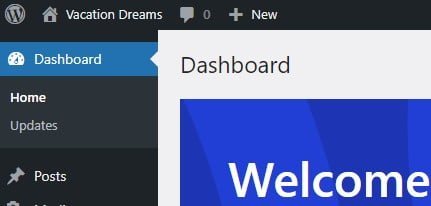
The Dashboard Tab is the first section you’ll find in your WordPress Dashboard’s sidebar menu. It consists of two main components—Home and Updates. Both of these offer essential features for managing your website efficiently.
Home
The ‘Home’ option under the Dashboard Tab takes you back to the main dashboard screen. It provides an overview of your website’s status and includes several handy widgets.
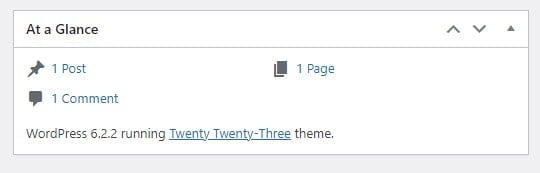
At a Glance
This widget provides a snapshot of your website’s content. It shows the number of posts, pages, and comments on your site. If you have any custom post types or taxonomies, they’ll be displayed here as well.
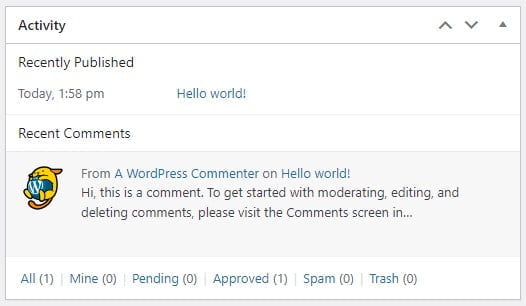
Activity
The ‘Activity’ widget provides a rundown of your most recent posts and comments. It’s a useful way to keep track of your site’s activity without having to navigate away from the dashboard.
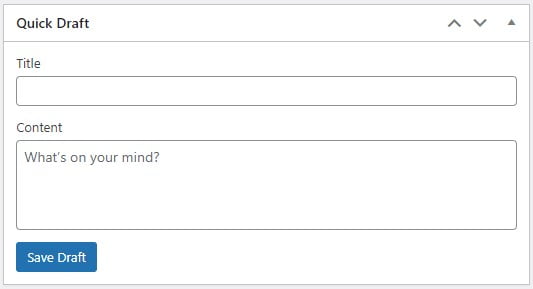
Quick Draft
Want to jot down a quick idea for a future post? The ‘Quick Draft’ widget is your mini notepad. Here, you can create and save draft posts for later development.
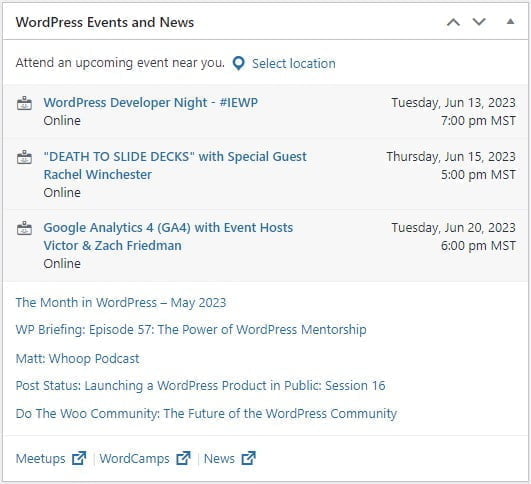
WordPress Events and News
Stay in the loop with the latest news from the WordPress universe. This widget displays upcoming WordPress events and recent news from the official WordPress project.
Updates
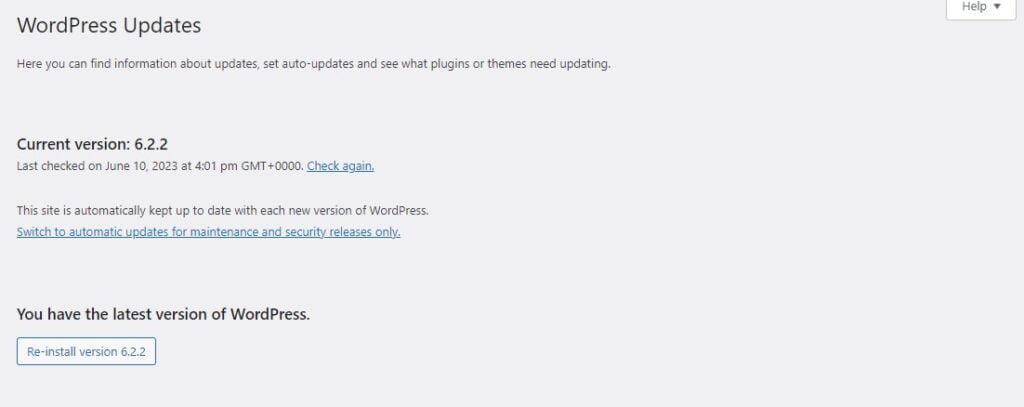
The ‘Updates’ option under the Dashboard Tab is your maintenance center. It’s here that WordPress notifies you of available updates for the WordPress core, themes, and plugins.

WordPress Core Updates
WordPress regularly releases updates to enhance its features and security. When a new version is available, you’ll find an update notification here.
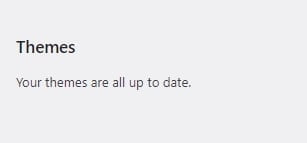
Theme Updates
Just like WordPress, your themes also need updates. These updates often include new features, bug fixes, and security improvements.
Plugin Updates
Your plugins are like the special tools of your spaceship. They need to be up-to-date for optimal performance. Any available plugin updates will appear here.

Conclusion
The WordPress Dashboard Tab, though simple at first glance, is packed with features essential for your site’s management. From keeping your website up-to-date to jotting down quick post ideas, the Dashboard Tab is your reliable command center. With Dark Horse Virtue guiding you, mastering these features will be a breeze. Stay tuned for more in-depth guides to help you navigate the WordPress universe!