A Website Without the Headache: Meet WordPress
Let’s say you’ve got an idea—maybe a side hustle, a passion project, or just a voice that wants to be heard. You don’t know code. You don’t want to spend weeks figuring out HTML. But you want a website, now. That’s exactly where WordPress comes in: it’s the digital toolkit that powers over 40% of the web, and it’s surprisingly beginner-friendly.
If you’ve ever felt overwhelmed trying to start a site, you’re not alone—and WordPress might be the easiest way forward.
What Is WordPress, Really?
WordPress is a Content Management System (CMS)—a fancy term for software that helps you create and manage a website without writing code.
Think of it like Lego: you don’t need to carve each block out of clay; you just snap them together into something that looks (and functions) exactly how you want. WordPress gives you the base structure. You bring the creativity.
Key Traits:
- Free and open-source
- Originally built for bloggers (2003), now used for everything from online stores to portfolio sites
- Actively maintained by a huge global community of developers and users
Why Do Millions Use WordPress?
WordPress isn’t just popular—it’s practically the default for people building their first (or fiftieth) website. Here’s why.
Simple to Learn, Fast to Launch
You don’t need a computer science degree. If you can use email, you can use WordPress.
Build Anything You Want
- Personal blog? Check.
- Business homepage? Absolutely.
- Online shop? Just install WooCommerce.
- Membership site, event calendar, podcast hub? All possible.
Customize Without Code
Thousands of themes (design templates) and plugins (add-on features) let you build exactly what you need—no tech wizardry required.
Help Is Everywhere
You’re never stuck alone. From YouTube tutorials to global forums, answers are easy to find—and often free.
WordPress Feature Snapshot
| Feature | Beginner-Friendly? | Requires Coding? | Free Options Available? |
|---|---|---|---|
| Create pages & posts | ✅ Yes | ❌ No | ✅ Yes |
| Add custom design | ✅ Yes | ❌ No (themes) | ✅ Yes |
| Install plugins | ✅ Yes | ❌ No | ✅ Yes |
| Run an online store | ✅ Yes (WooCommerce) | ❌ No | ✅ Yes |
| SEO optimization | ✅ Yes (with plugins) | ❌ No | ✅ Yes |
Caption: Table 1 – WordPress feature overview highlighting beginner-friendliness and flexibility.
What part of WordPress would you explore first—design, content, or tools?
Hosting and WordPress: A Dynamic Duo
WordPress doesn’t live in a vacuum—it needs a place to stay. That’s where web hosting comes in. Hosting is like renting space for your site on the internet.
Here’s what you need:
- Domain Name – Your site’s address (like
coolbusiness.com) - Web Hosting – The place your site files live
Solutions like Dark Horse Virtue’s Pro Suite Hosting Membership make the whole process smoother with one-click WordPress installations via Softaculous in cPanel—no tech headaches, no weird setup rituals.
What You Can Actually Do with WordPress
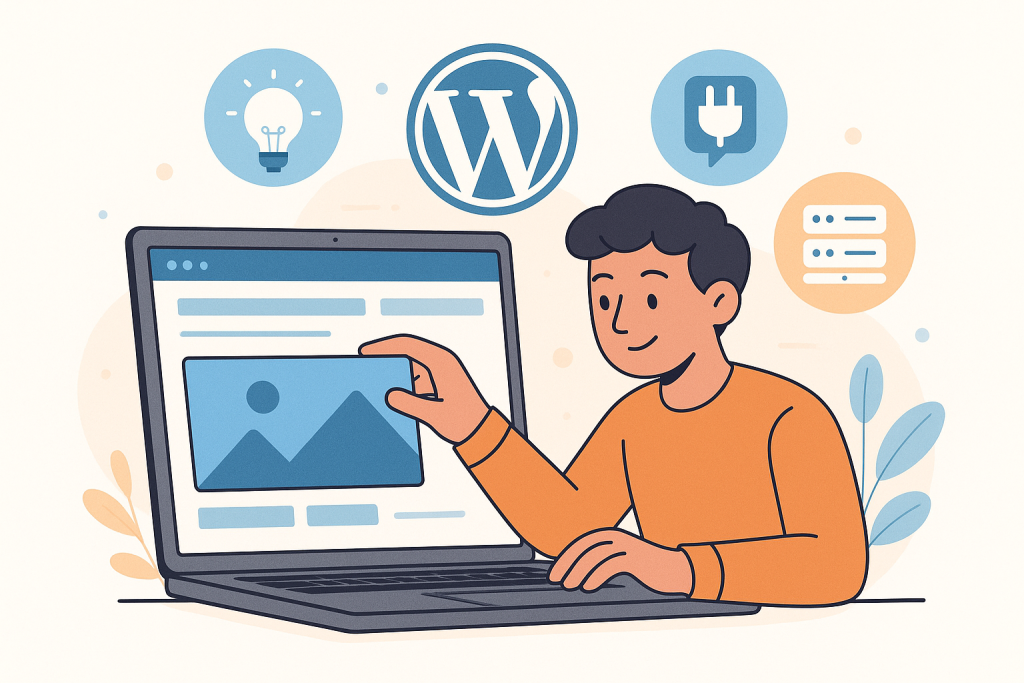
If WordPress were a Swiss Army knife, here are a few of the tools folded inside:
- ✏️ Write Pages & Posts – From blogs to static “About Me” pages
- 🖼️ Upload Images & Video – Drag, drop, publish
- 🔌 Add Features via Plugins – Contact forms, SEO tools, analytics, booking calendars
- 🎨 Customize Your Design – Switch themes, tweak colors, change layouts
- 🛒 Sell Stuff – Use plugins like WooCommerce to run an entire e-commerce store
How WordPress + Hosting Works

Most Popular WordPress Use Cases
Blogs 0% Business Sites 0% Online Stores 0% Portfolios 0% Forums/Communities 0%Breakdown of most common uses for WordPress based on plugin and theme trends.
Why Beginners Flock to WordPress
Here’s the secret sauce: WordPress lowers the barrier to entry. You don’t need a dev team. You don’t need thousands of dollars. You just need:
-
A goal (what do you want your site to do?)
-
A domain + hosting (like Dark Horse Virtue)
-
A willingness to tinker and click around
Most importantly, WordPress grows with you. Start small, then scale big when you’re ready.
What would you build if you didn’t need to learn code first?
Further Reading & Resources
- WordPress.org Beginner’s Guide
A friendly starting place from the WordPress team—posts, pages, themes, and plugins explained.
- How to Install WordPress Using cPanel (Hostinger Tutorial)
Step-by-step visual walkthrough for installing WordPress via cPanel; mirrors most hosts’ setups.
- WooCommerce: Official Site
Turn WordPress into a full eCommerce store with the most popular shop plugin.
- WordPress Plugins Directory
Browse 60,000+ plugins to add features like SEO, forms, caching, and analytics.
- Dark Horse Virtue Hosting
Veteran-owned, beginner-friendly hosting with cPanel and one-click WordPress installs.