Introduction
In today’s interconnected world, efficient email management is indispensable. Dark Horse Virtue’s Digital Footprint Hosting offers a robust suite of email tools in your cPanel to ensure streamlined communication, enhance deliverability, and optimize storage usage. This comprehensive guide will demystify the email section of your cPanel, empowering you to get the most out of these robust features.
Navigating to the Email Section
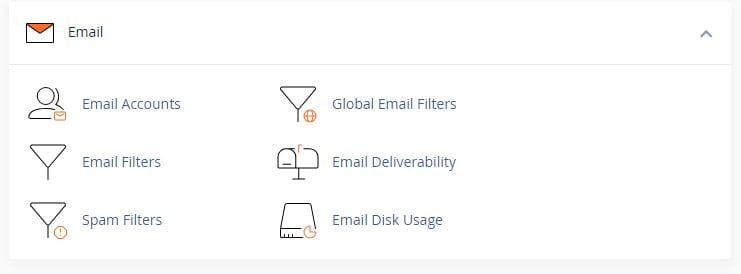
Accessing the email tools in your cPanel is straightforward. Once logged into your cPanel account, simply locate and click on the ‘Email’ section from the main dashboard.
Email Accounts
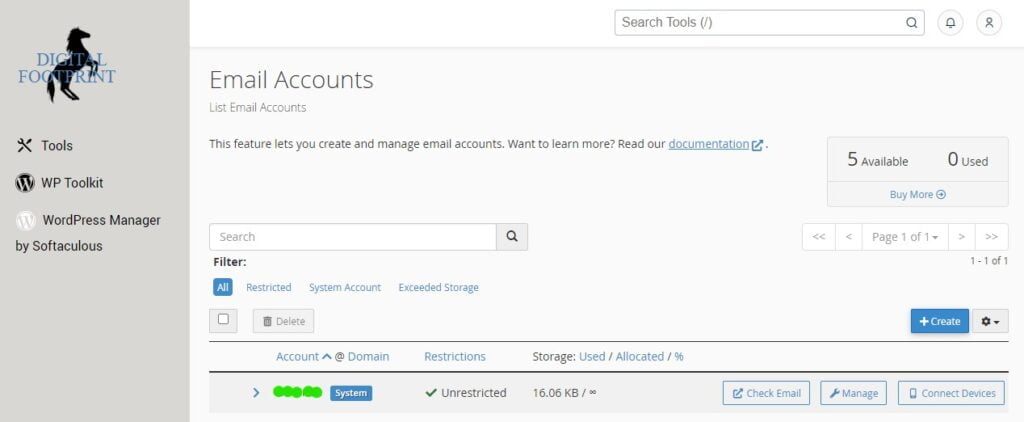
Managing email accounts forms the backbone of your digital communication. In this section, you can create new email accounts associated with your domains, define quota limits, and change or reset passwords.
To create a new account, click on ‘Create,’ then fill in the desired email, password, and storage quota. We recommend using a unique, strong password for each account to maintain optimal security.
Global Email Filters
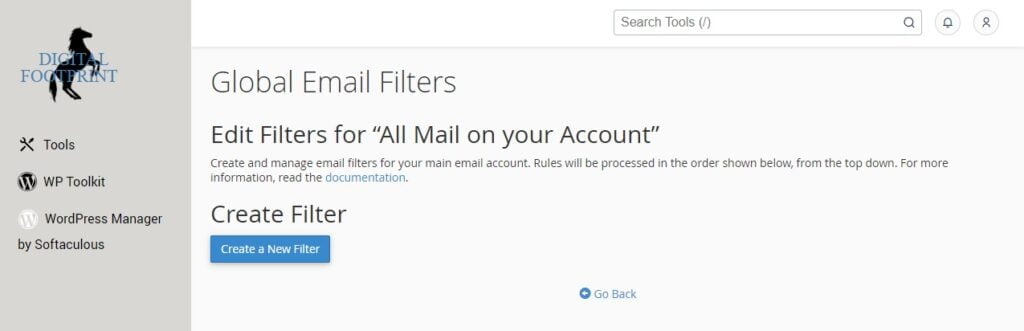
The Global Email Filters feature allows you to set rules for all the email accounts under your Digital Footprint Hosting account. This can be particularly useful for filtering out unwanted emails or automatically categorizing certain types of emails across all your accounts.
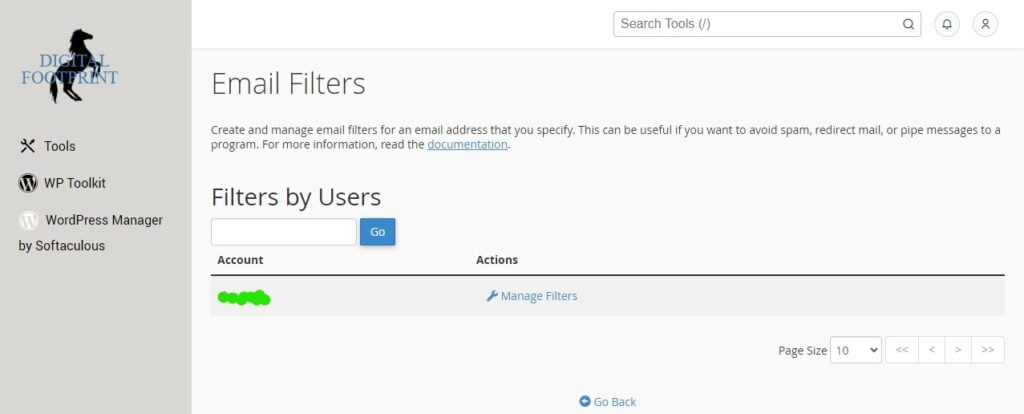
Email Filters
The Email Filters tool offers individualized control, letting you set up filters for each email account. This feature is especially handy for managing high-volume inboxes or when different accounts have specific sorting needs.
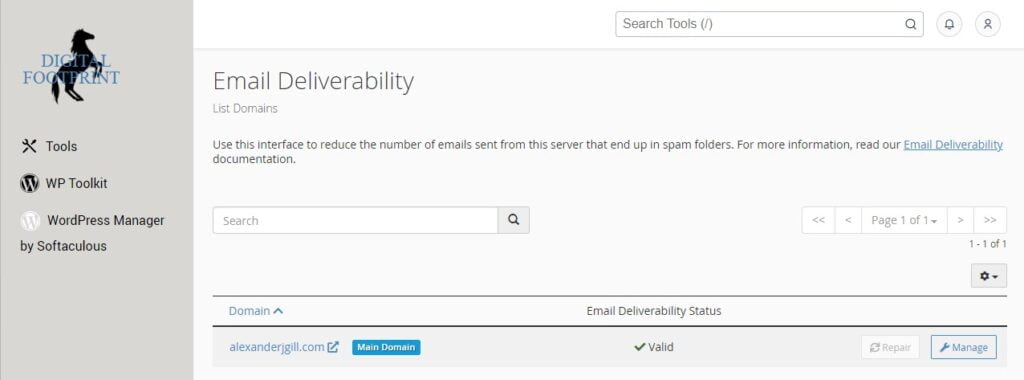
Email Deliverability
In the Email Deliverability section, you can check the status of SPF and DKIM records for your domains. These records are crucial for ensuring your emails reach their intended recipients and are not marked as spam.
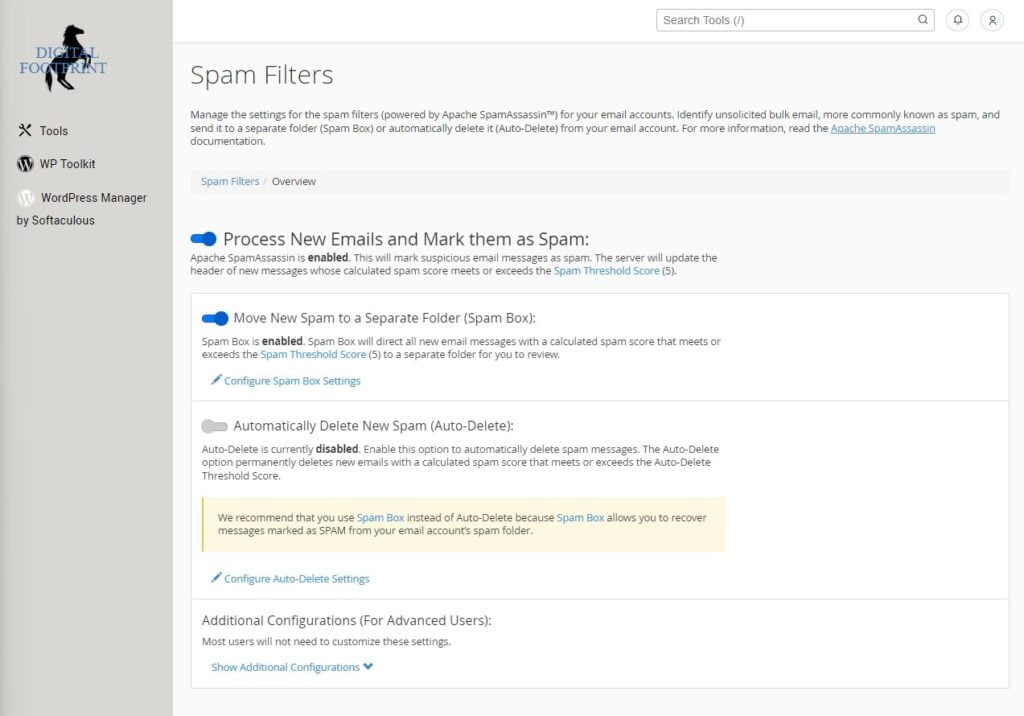
Spam Filters
Fight back against spam with cPanel’s Spam Filters tool, which includes Apache SpamAssassin. Enable spam auto-deletion or adjust the spam score needed to flag emails, keeping your inbox clean and clutter-free.
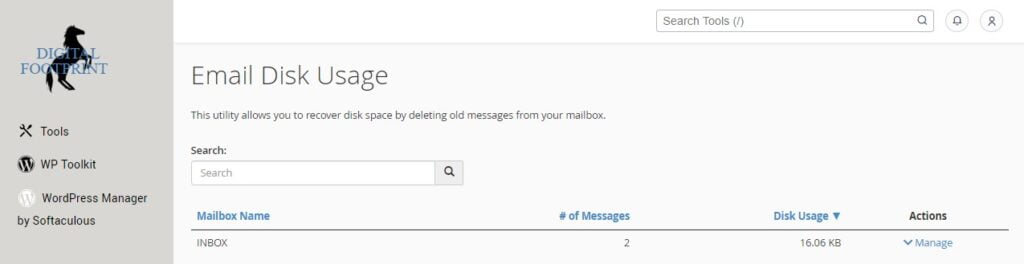
Email Disk Usage
Monitoring your email disk usage ensures you never run out of storage space. The Email Disk Usage tool offers a detailed breakdown of storage use by account and even by folder, helping you manage your resources effectively.
Conclusion
With Dark Horse Virtue’s Digital Footprint Hosting and the power of cPanel’s email tools, you can maximize your email management, streamline communication, improve deliverability, and manage your storage effectively. This guide is your first step towards mastering these features. For more in-depth information and advanced features, please refer to the cPanel documentation or Dark Horse Virtue’s dedicated support team. Here’s to efficient emailing!