Introduction
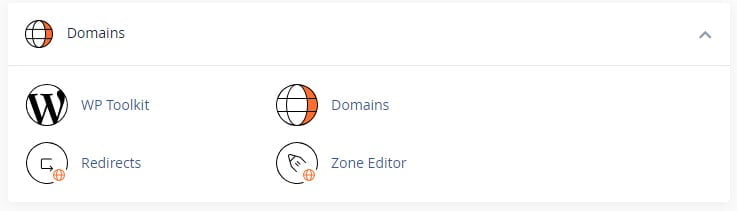
The ‘Domains’ section of the cPanel interface is a crucial area for website administrators and developers. This section, provided by Dark Horse Virtue’s Digital Footprint Hosting, enables you to control and manage various aspects of your domain. In this guide, we will explore the key functionalities of the ‘Domains’ section, including the WP Toolkit, Domains, Redirects, and the Zone Editor.
WP Toolkit for cPanel
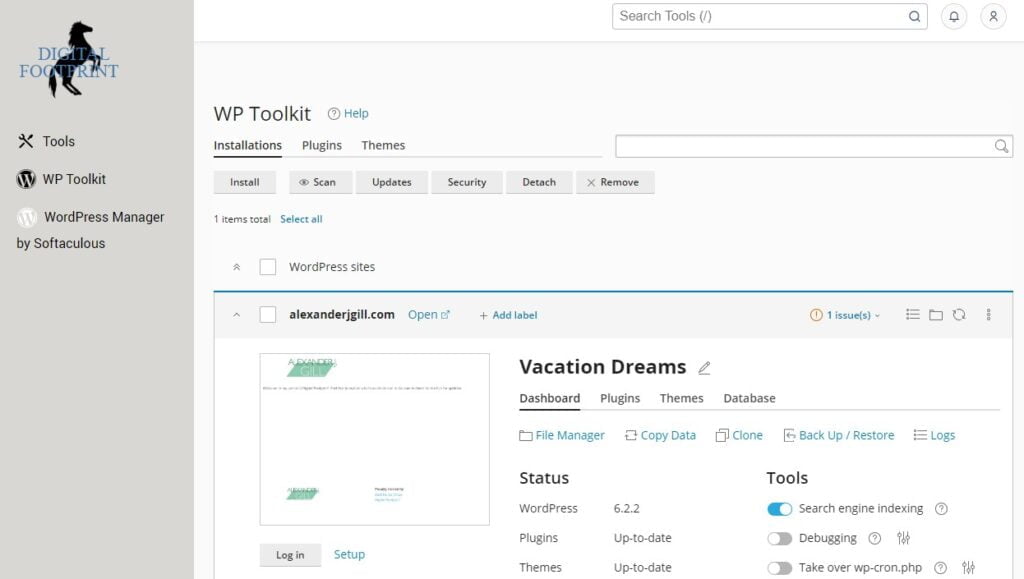
The WP Toolkit is a robust interface that simplifies the management of WordPress installations on your Digital Footprint Hosting account. It is designed to streamline the process of installing, configuring, and managing WordPress sites. This toolkit provides a user-friendly interface that even beginners can navigate with ease.
The WP Toolkit is available in both a standard and a Deluxe version. The Deluxe version offers additional features, offering more flexibility and control over your WordPress sites. The Onboarding Assistant in the WP Toolkit can automatically create a WordPress website for a new cPanel account, simplifying the setup process for new users.
Domains
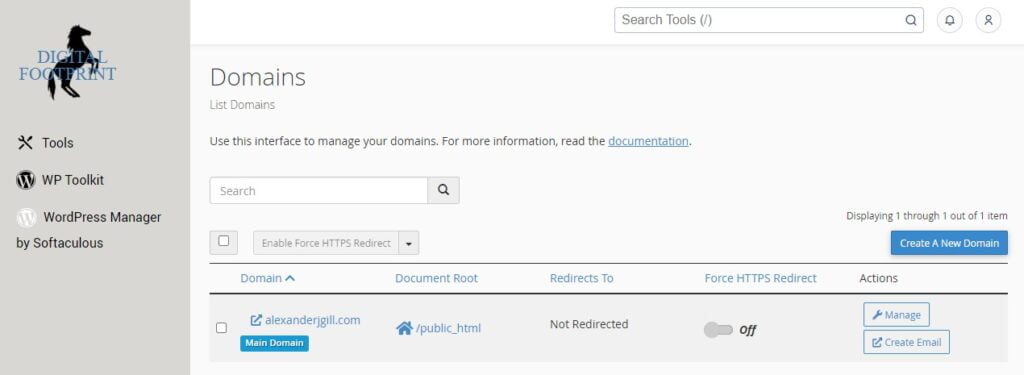
The ‘Domains’ interface is a centralized hub where you can create and manage multiple domains from a single cPanel account. This function is particularly useful for users who run multiple websites or platforms. It allows for efficient management of multiple domains, reducing the need to switch between different cPanel accounts.
Another notable feature in this interface is the ‘Addon Domains’ feature. Addon domains allow you to control multiple domains from a single account. This is particularly useful if you want to host several websites on your hosting account, each having its domain name.
Redirects
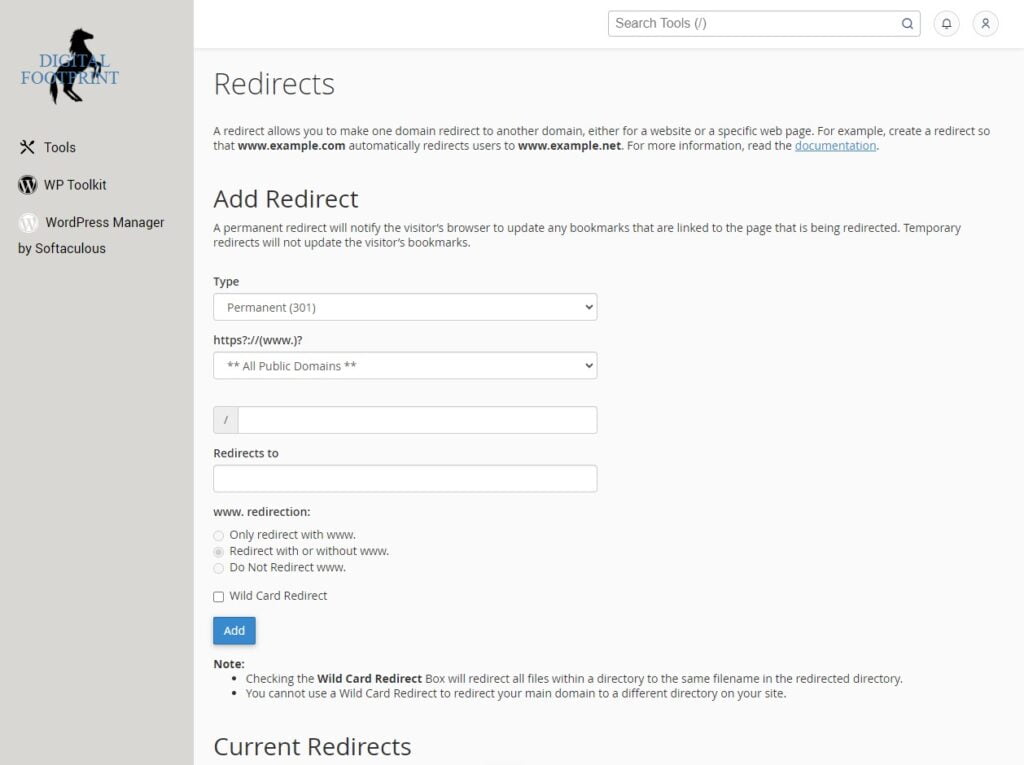
The ‘Redirects’ interface is a practical tool that allows you to direct all visitors of a domain or specific page to a different URL. This can be especially useful when you have changed the URL of a page and want to guide visitors from the old URL to the new one. It can also be used to direct traffic from multiple domains to a single website.
Zone Editor
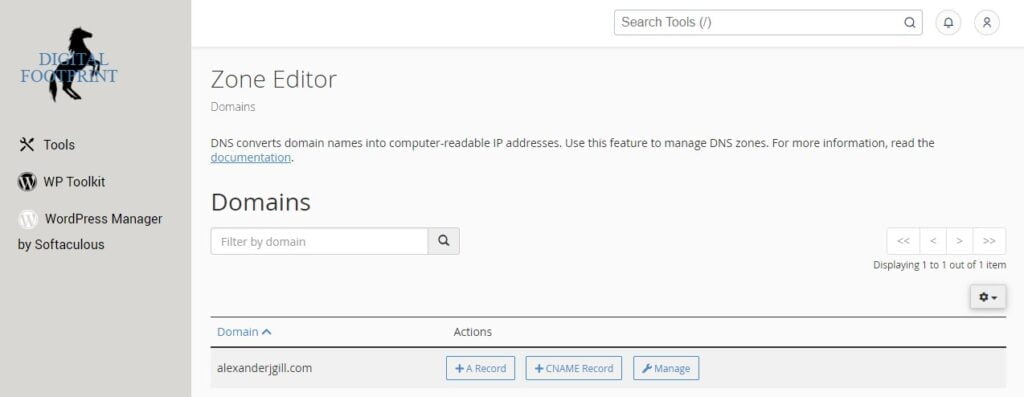
The ‘Zone Editor’ is a feature that allows you to create, edit, and delete Domain Name System (DNS) zone records. DNS zone records are essential components of internet infrastructure, linking domain names to IP addresses. This feature provides advanced users with the flexibility to modify DNS settings according to their specific needs.
In the Zone Editor, you can manage various types of records, including A, CNAME, MX, and TXT records. These records play different roles in controlling your domain’s behavior, such as directing traffic, verifying domain ownership, and configuring email delivery.
Conclusion
The ‘Domains’ section of the cPanel interface offered by Digital Footprint Hosting is an essential toolset for effective domain management. It offers a range of functionalities, from the user-friendly WP Toolkit for managing WordPress installations to the advanced Zone Editor for DNS management. By understanding and utilizing these tools, users can achieve a high level of control over their web presence.
The hosting services provided by Dark Horse Virtue under the brand of Digital Footprint Hosting have been designed to empower users, providing them with the tools and resources necessary to build and maintain a strong, efficient, and accessible digital presence.
With this guide, we hope to have demystified the functionalities within the ‘Domains’ section of cPanel. As always, Digital Footprint Hosting is here to assist you with any questions or concerns regarding your hosting experience.