Digital Footprint: Client Area
Welcome to the thorough tutorial on how to master the various features of the Dark Horse Virtue’s Digital Footprint Web Hosting client area. The platform is empowered by a WHMCS-Bridge integration, designed to offer a streamlined user interface and efficient management of your hosting account.
Home Page Overview
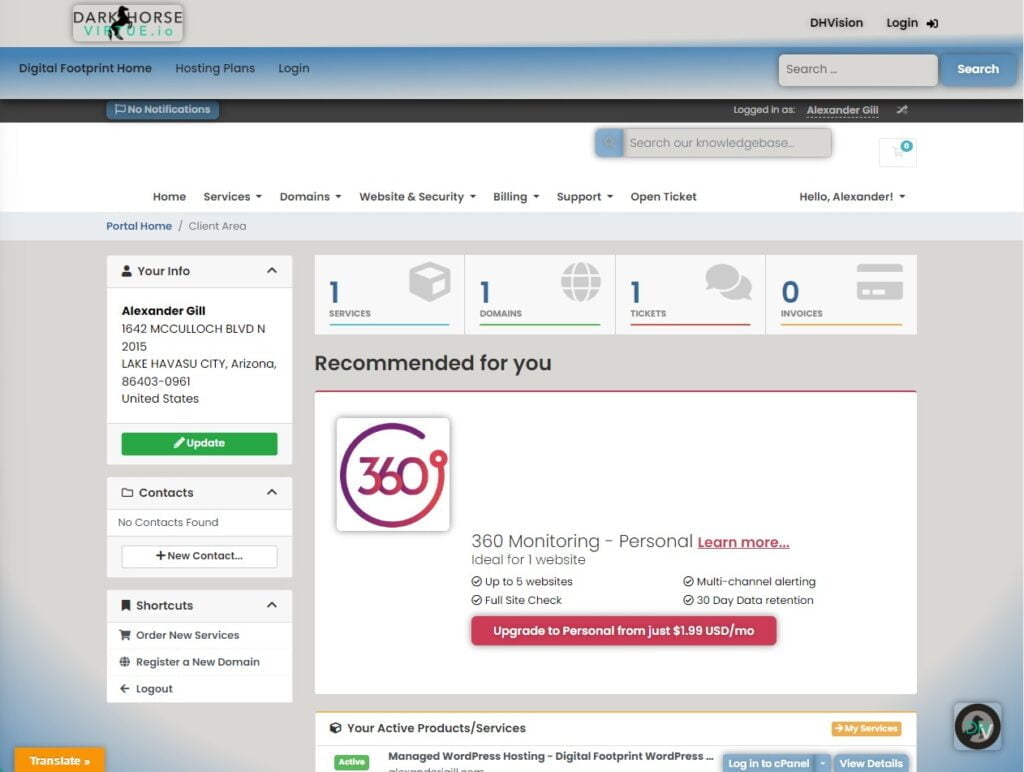
Upon successful login, you will find yourself on the client area’s home page. This is the central hub of your account, designed to provide a snapshot of your active services, outstanding support tickets, and recent news directly from Dark Horse Virtue.
Personal Information Section
On the main page, locate the ‘Your Info’ section. Here, you can find your currently registered personal details such as name and address. If any details need to be updated or corrected, look for an option to edit them, or reach out to the support team for assistance.
Contacts Section
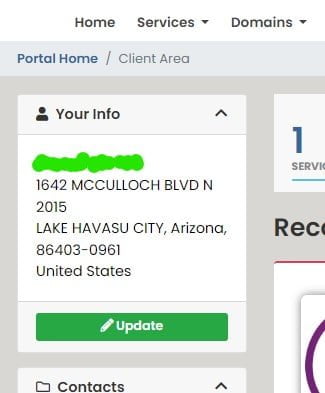
Further down, you’ll come across the ‘Contacts’ area. This is designed to list any additional contacts related to your account. Should you need to add any, follow the prompts provided on the platform.
Utilizing Shortcuts
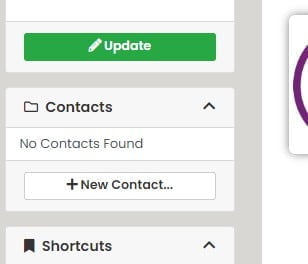
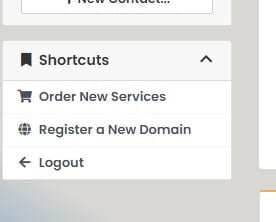
The ‘Shortcuts’ section is placed strategically for easy access to essential functions. You can promptly navigate to services like ordering new services, registering a new domain, or if you need to exit, there’s a quick ‘Logout’ button.
Services, Domains, and Tickets Status
Scrolling down, you will find sections titled ‘Services’, ‘Domains’, and ‘Tickets’. These are to give you an overview of the respective activities related to your account. Click on each for an expanded view and manage accordingly.

Invoice Details
The ‘Invoices’ section is dedicated to maintaining your billing records. If any outstanding invoices are present, they will be listed here.
Active Products/Services Review
In the ‘Your Active Products/Services’ area, you’ll see a summary of your active hosting services. You can delve into the details by clicking on each listed service.

Security Management
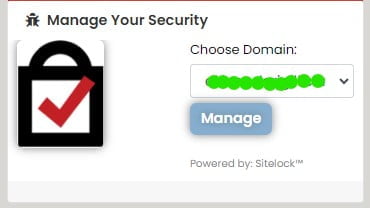
The ‘Manage Your Security’ area offers a robust setup powered by SiteLock™ for your domain’s security measures. It’s a place to review and manage your security settings.
Support Tickets Overview
The ‘Recent Support Tickets’ area holds your support-related interactions. For instance, your SSL-related ticket #KYY-621460, last updated on June 16th, 2023, is visible here.

Keeping Up with News
The ‘Recent News’ section helps you stay abreast of the latest updates and announcements from Dark Horse Virtue.
Registering a New Domain
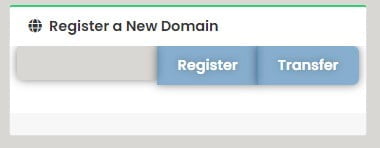
When you’re ready to expand your digital footprint, the ‘Register a New Domain’ function is conveniently placed for quick access.
That’s it! Now you’re equipped to fully exploit the powerful tools and features provided by Dark Horse Virtue’s Digital Footprint Web Hosting. Remember, the layout and options can
vary based on your specific WHMCS configuration. If you encounter any difficulties, don’t hesitate to consult Dark Horse Virtue’s Knowledge Base or reach out to their dedicated support team.