Introduction
Welcome back to Dark Horse Virtue’s tutorial series, where we empower you with the tools to customize and control your WordPress site. We’ve covered the Dashboard, Posts, Media, Pages, and Comments tabs. Now, we’re going to delve into the Appearance Tab, the design hub of your WordPress website.
Understanding the WordPress Appearance Tab
The Appearance Tab is where you can customize the look and feel of your website. It’s where you’ll choose your theme, customize your widgets and menus, and potentially edit your site’s code.
Themes
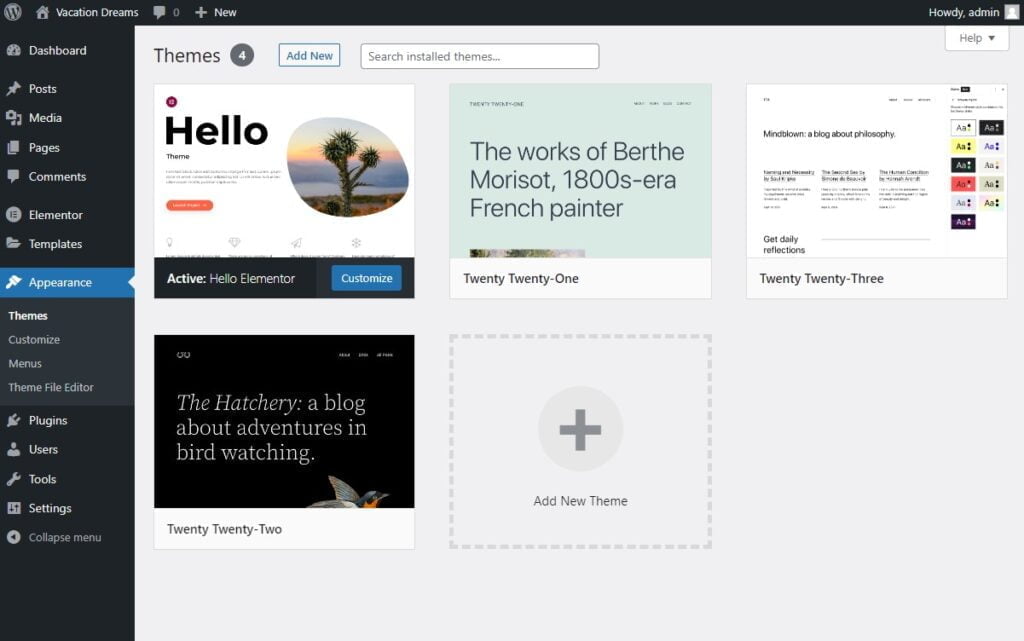
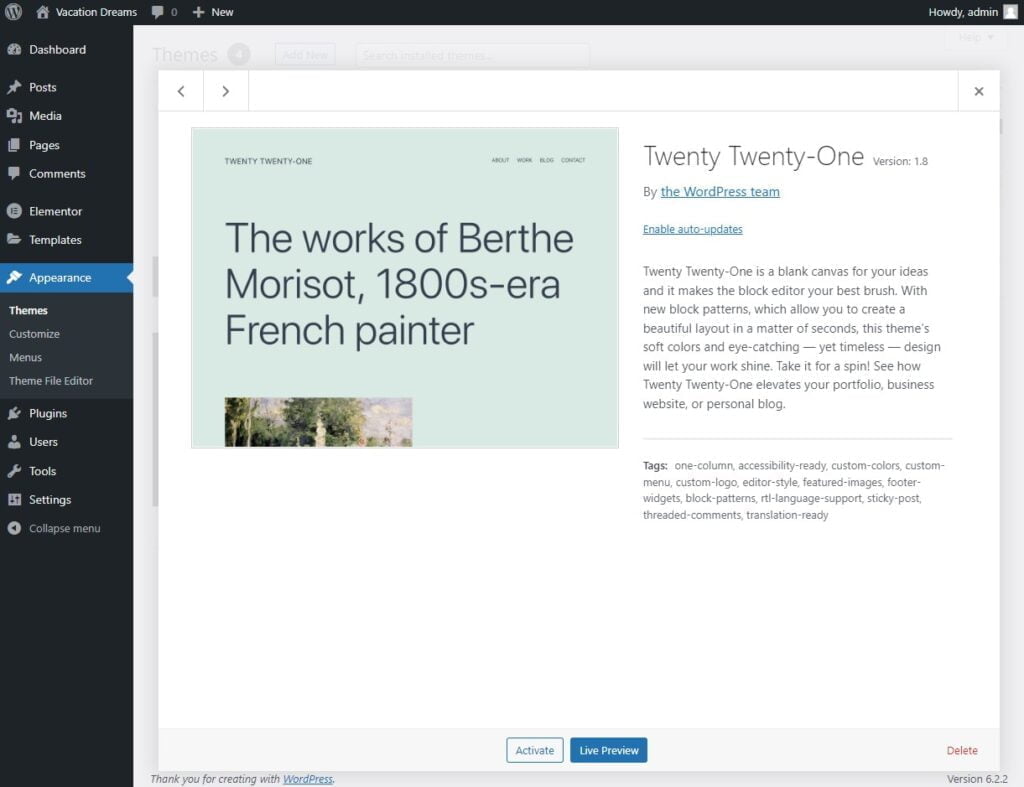
The ‘Themes’ section is where you’ll choose the overall design of your website. WordPress offers a variety of free and premium themes, each with its own style and layout. You can preview and activate themes from this section.
Add New
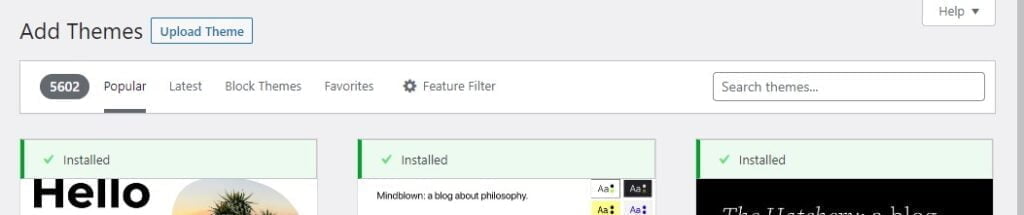
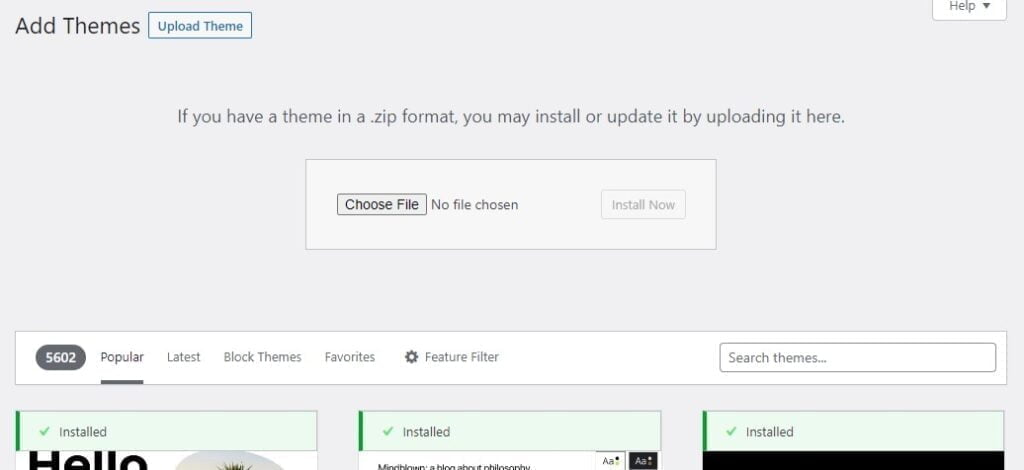
The ‘Add New’ button allows you to search for new themes to install on your site. You can filter themes by subject, features, and layout to find the perfect match for your website’s needs.
Customize
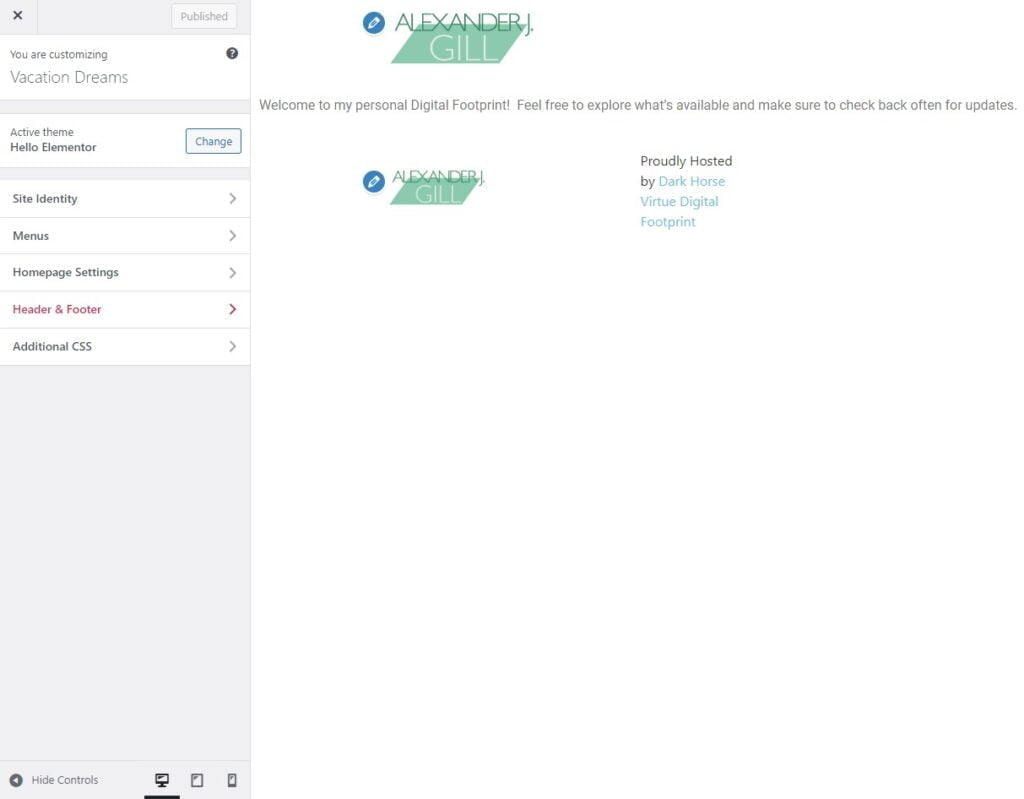
The ‘Customize’ section opens the WordPress Customizer, a live preview editor that allows you to tweak your theme’s settings. Here, you can change your site’s identity, colors, header image, menus, and more.
Widgets
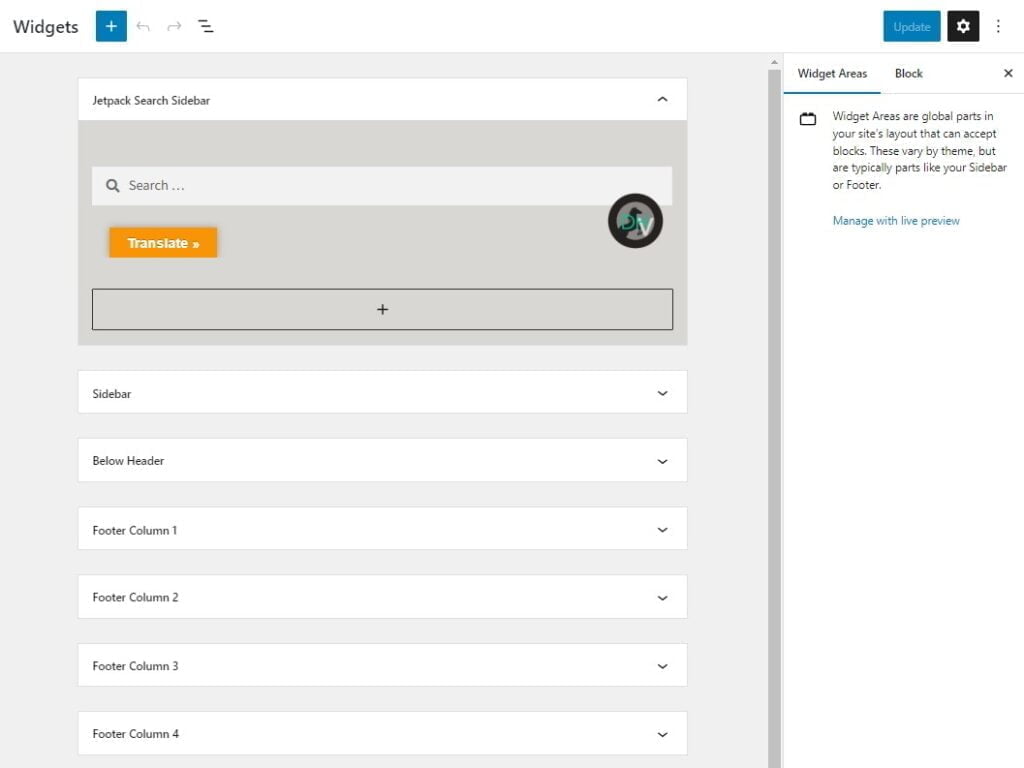
The ‘Widgets’ section is where you can add, remove, and arrange widgets. Widgets are blocks of content that you can add to your site’s sidebars, footers, and other widget-ready areas.
Menus
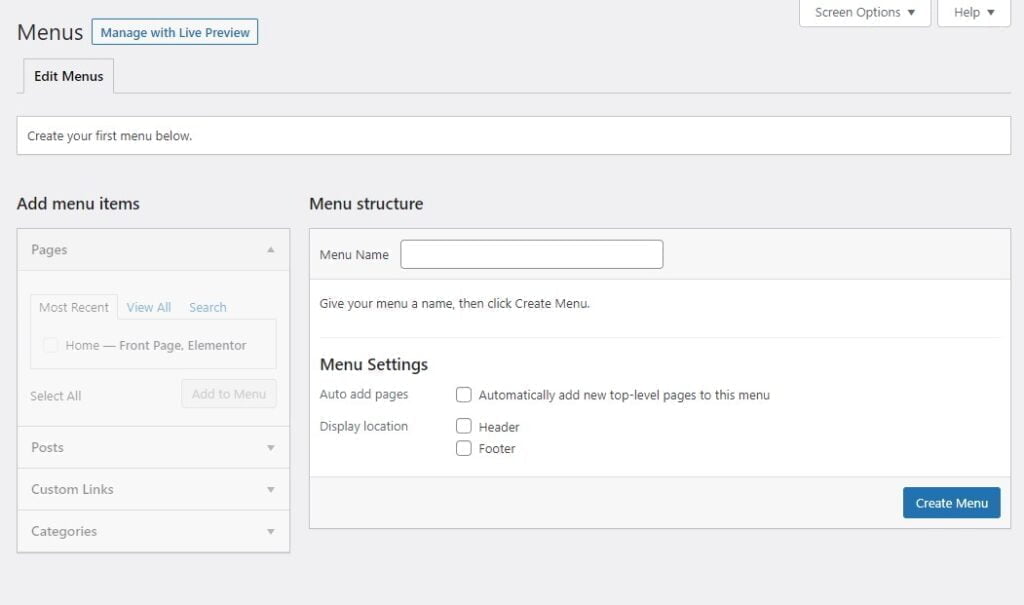
The ‘Menus’ section is where you can create and manage your site’s navigation menus. You can add links to pages, posts, custom links, and more. You can also assign menus to different locations on your site, like the header or footer.
Theme Editor
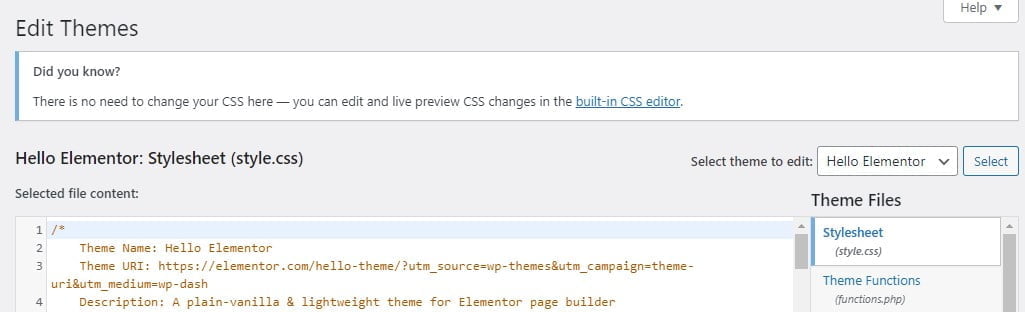
The ‘Theme Editor’ section is where you can directly edit your theme’s files. This section is primarily for advanced users who are comfortable with HTML, CSS, and PHP. Please exercise caution when editing theme files, as changes here can affect your entire site.
Conclusion
The WordPress Appearance Tab is a powerful design toolkit for your website. It allows you to customize your site’s look and feel, ensuring that it matches your vision and brand. With Dark Horse Virtue guiding your journey, you’re becoming a master of your digital aesthetic. Join us in our next guide as we continue to navigate the WordPress platform!