Imagine your smartphone without any apps. No maps, no social media, no games, not even a camera filter. It would still work—but only in the most basic sense. That’s what WordPress would feel like without plugins.
Whether you’re running a personal blog or a full-scale business site, plugins are what make WordPress truly powerful–and customizable. But plugins aren’t exclusive to WordPress. Many software platforms use similar systems to extend functionality. Here’s how it all fits together.
The Core of WordPress: A Flexible Foundation
WordPress is a content management system (CMS)—essentially a toolkit for building and managing websites. Out of the box, it provides the basics:
- Page and post creation
- Media uploading
- Theme management
- User roles and permissions
But beyond that, it’s intentionally minimal. Why? Because not every website needs the same tools. A food blog has very different needs than an online course platform. That’s where plugins come in.
WordPress is the engine. Plugins are the custom features you install to make your ride uniquely yours.
What Are Plugins, Really?
Think of plugins as add-ons or mini apps that “plug into” your WordPress site to provide extra features.
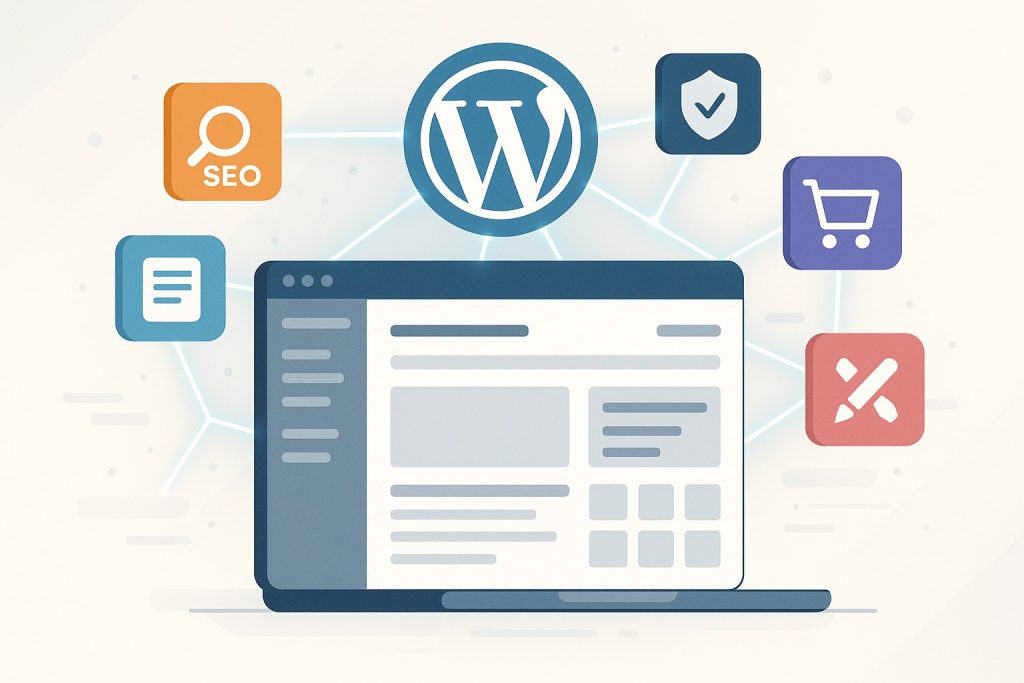
Want to add a contact form? There’s a plugin for that. Need SEO tools? There’s another one. E-commerce? Yup—install WooCommerce and you’re off and running.
Each plugin is a self-contained package of code that works seamlessly with WordPress. Some are free, some are paid, and many offer both versions (known as freemium).
Table 1: Popular WordPress Plugins and Their Functions
| Plugin Name | Function | Free/Paid |
|---|---|---|
| Yoast SEO | Search engine optimization | Freemium |
| WooCommerce | Adds e-commerce capabilities | Freemium |
| WPForms | Drag-and-drop contact forms | Freemium |
| Elementor | Visual page builder | Freemium |
| Wordfence | Security and firewall protection | Freemium |
Table 1 Caption: A snapshot of popular WordPress plugins and what they help users achieve.
What plugin feature would you consider essential for your next project?
Behind the Scenes: How Plugins Work
Plugins interact with the WordPress core via APIs (application programming interfaces), hooks, and filters. This allows them to:
- Add new database fields
- Create admin dashboard panels
- Inject custom code into pages
- Modify how content is displayed
They don’t alter the core WordPress files directly, which is key—updates to WordPress won’t break your plugins if they’re built well.
This modularity is what keeps your site stable, scalable, and uniquely yours.
Not Just WordPress: Plugins Across the Tech Ecosystem
WordPress made plugins popular, but it’s far from the only system that uses them. Many modern platforms adopt plugin or extension architectures for similar reasons—flexibility and customization.
Table 2: Software Platforms That Support Plugins
| Platform | Plugin Use Case |
|---|---|
| WordPress | Website customization |
| Visual Studio Code | Developer tools and language packs |
| Photoshop | Creative effects and filters |
| WooCommerce | E-commerce automation |
| Blender | 3D modeling enhancements |
Table 2 Caption: Plugins enable scalable, user-specific functionality across industries and software types.
If your go-to software supports plugins, what’s the one you couldn’t live without?
Why Plugins Matter for Every User
Whether you’re a developer, designer, or entrepreneur, plugins empower you to:
- Avoid reinventing the wheel
- Customize functionality without touching code
- Scale with your needs over time
- Enhance performance, security, and UX
But with great power comes great responsibility. Plugins should always be:
- Kept up to date
- Sourced from reputable developers
- Compatible with your current theme and WordPress version
A well-maintained plugin setup can make the difference between a smooth-running site and a digital headache.
Further Reading & Resources
- WordPress Plugin Handbook | Official resource for understanding plugin development
- WPBeginner Plugin Guide | A helpful guide to top recommended plugins
- Visual Studio Code Extensions | Explore how developers customize their tools
- Premium Plugins Included | All Pro Suite WordPress Installations come complete with pro SEO, page caching, AI Page Building and Custom Template Plugins.