When you’re managing your website, one of the key areas to pay attention to is security. The Dark Horse Virtue Digital Footprint Hosting platform, which uses the robust cPanel interface, includes a detailed Security section with various features that help to secure your website and data. This article is designed to guide you through the different options available to you and how you can make the most of them to maintain a secure digital footprint.

AutoInstall SSL
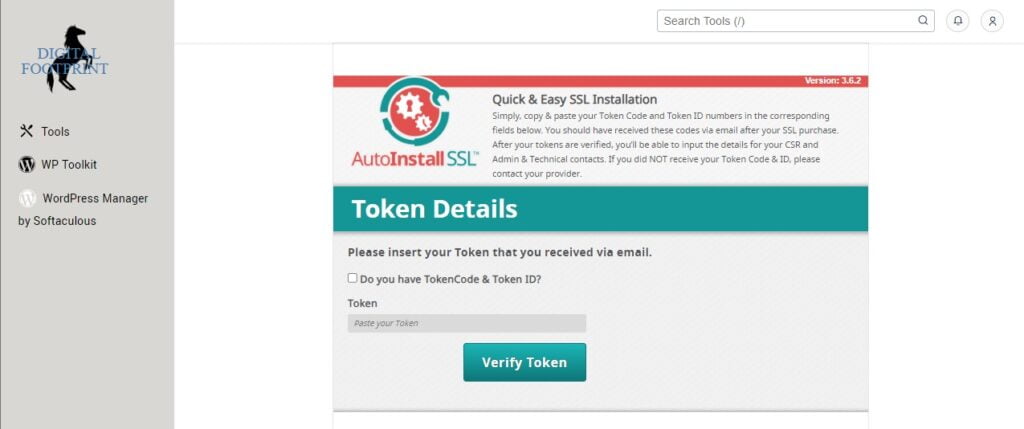
SSL (Secure Sockets Layer) certificates are a crucial part of website security, encrypting the data that travels between your website and your visitors. Dark Horse Virtue Digital Footprint Hosting provides an AutoInstall SSL feature, which simplifies the process of installing SSL certificates on your website.
With AutoInstall SSL, you can easily acquire and install a new SSL certificate for your domain. The process is automated and requires just a few clicks, saving you from the complex manual SSL installation steps. This feature ensures that your website’s connection is always secure, building trust with your visitors and boosting your SEO rankings.
SSL/TLS
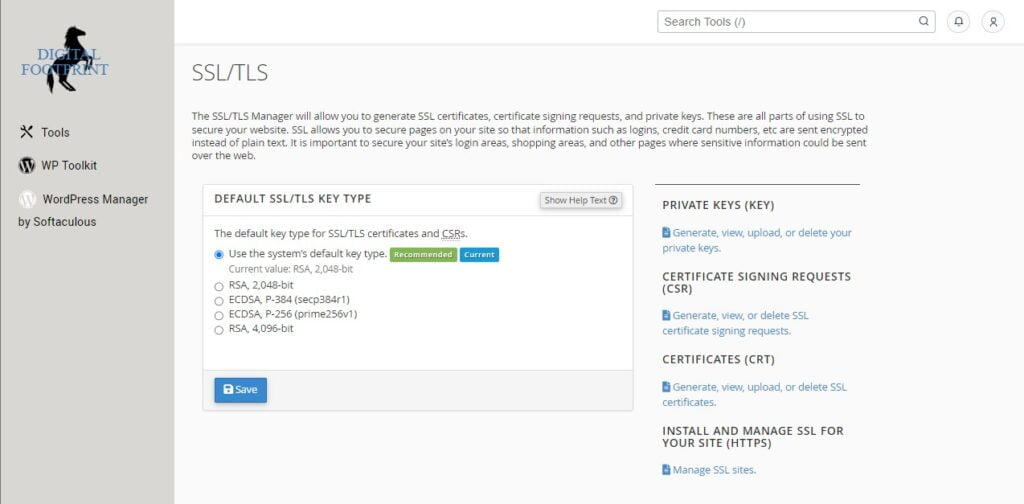
In addition to the AutoInstall SSL feature, cPanel also includes an SSL/TLS manager. This tool gives you more control over your SSL and TLS (Transport Layer Security) configurations, allowing you to manage private keys, CSR (Certificate Signing Request), certificates, and install SSL certificates.
The SSL/TLS manager is a more advanced feature, and it’s ideal for users who want to take a hands-on approach to their website’s security. Understanding SSL/TLS and how to manage it can contribute significantly to your website’s safety and SEO performance.
Manage API Tokens
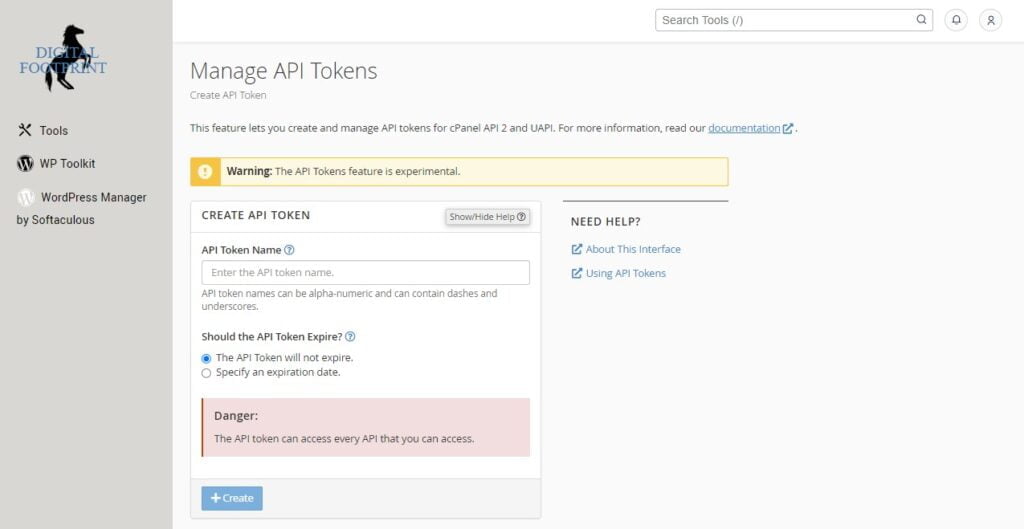
API tokens are a secure way to authenticate and interact with the cPanel API, a tool that developers use to automate tasks in cPanel. The “Manage API Tokens” feature allows you to create, update, and delete API tokens.
This feature enhances the security of your website by providing secure access to the cPanel API. It allows you to manage who has access to the API and what actions they can perform, adding an extra layer of security to your website’s backend.
SSL/TLS Status
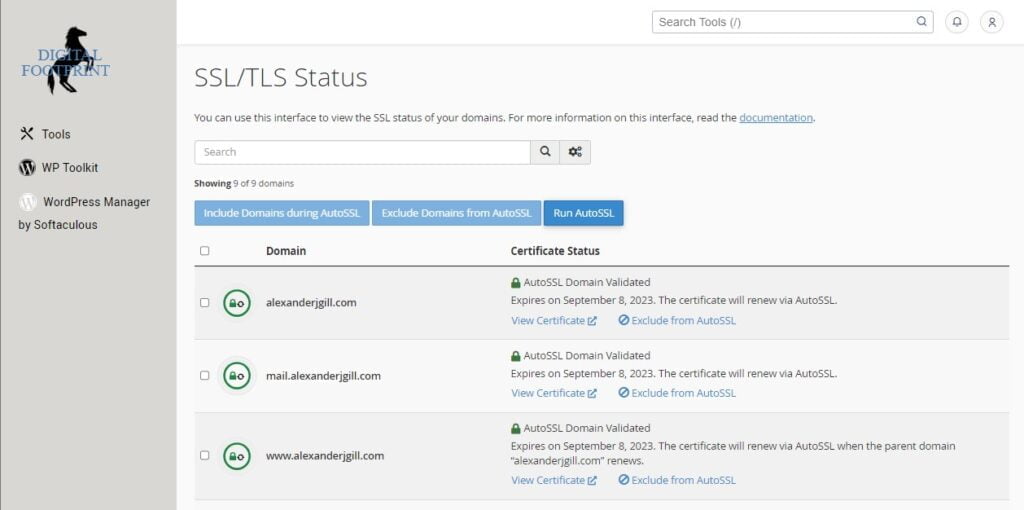
The SSL/TLS Status feature gives you an overview of your domains and their SSL status. This tool shows whether your domains have valid SSL certificates, whether the certificates are self-signed or issued by a recognized Certificate Authority (CA), and when the certificates are due to expire.
This feature is essential for maintaining your website’s security and SEO performance. Search engines like Google prefer websites with valid SSL certificates and often rank them higher in search results.
Imunify 360
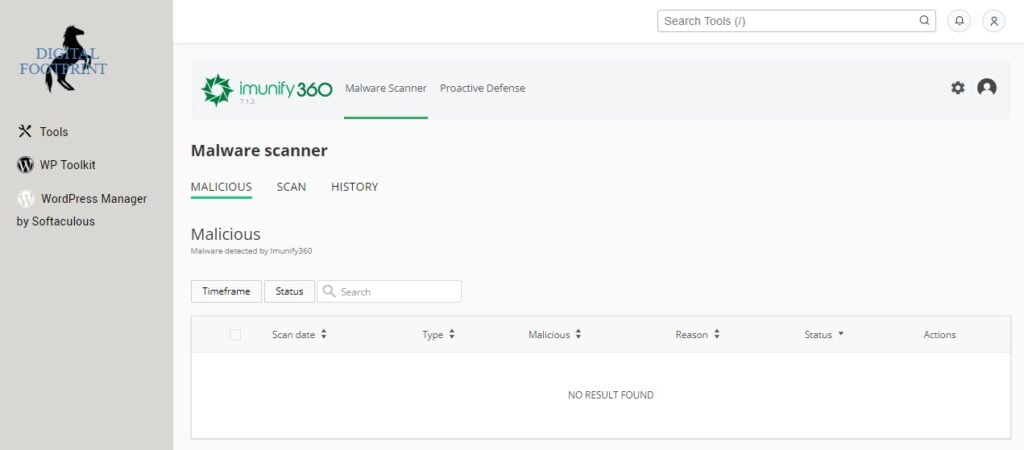
Imunify 360 is an automated security solution with advanced firewall protection, malware scanning, and cleanup. This comprehensive security solution is designed to protect your website from various threats, including brute force attacks, DoS attacks, and malware.
Imunify 360 continuously scans your website for malware and automatically cleans up any threats it detects. This proactive approach to website security helps to keep your digital footprint secure and maintain your SEO performance.
Conclusion
Understanding and managing your cPanel account is crucial to effectively handle your Dark Horse Virtue Digital Footprint Hosting services. By knowing how to login to cPanel, navigate its interface, and utilize its features, you can effectively manage your website’s digital footprint, oversee your bandwidth usage, and even optimize your site’s SEO. Through the Bandwidth interface, you can keep track of your site’s traffic patterns and make informed decisions about potential upgrades or adjustments. The Web Disk feature offers an easy and intuitive way to manage your site’s files, making it an invaluable tool in your web development toolkit. With these tools at your disposal, you can take full control of your website’s presence and performance, paving the way for a successful and impactful online presence.