Navigating the Files Section in Your Digital Footprint: A Comprehensive Guide
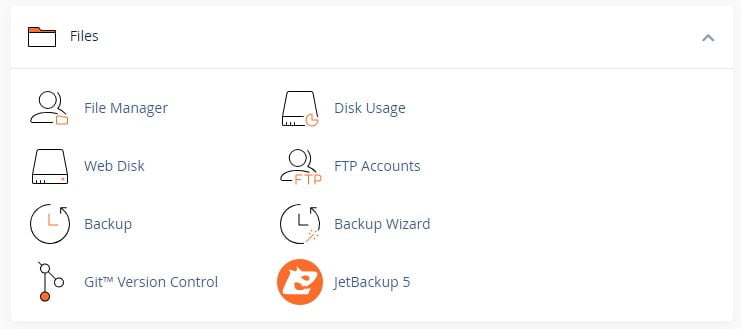
The Files section in your Digital Footprint is replete with tools that make managing your website on Dark Horse Virtue’s platform seamless and efficient. Let’s delve into each of these functionalities:
File Manager
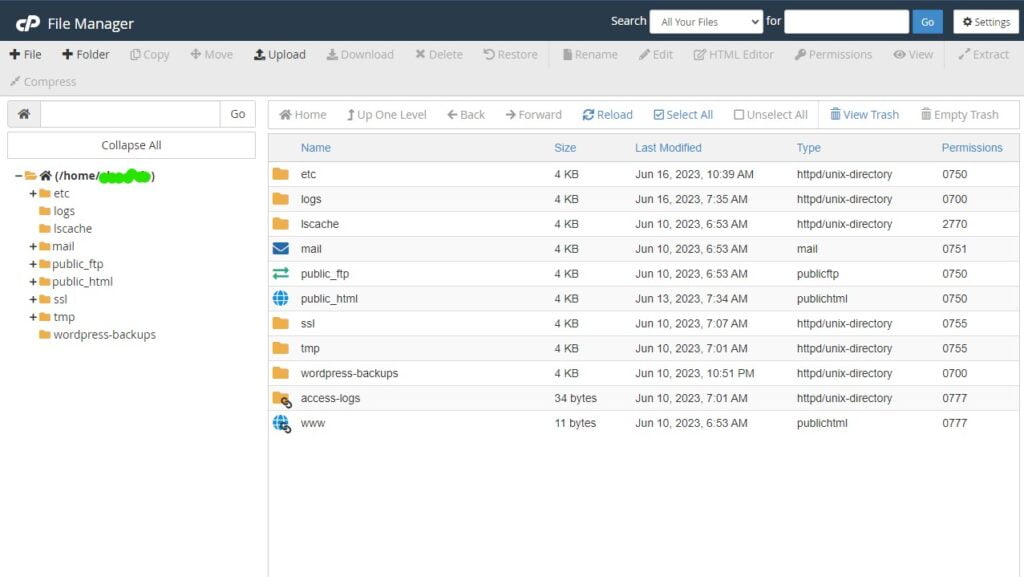
File Manager is your virtual filing cabinet. It allows you to manage and edit your files directly within the cPanel interface.
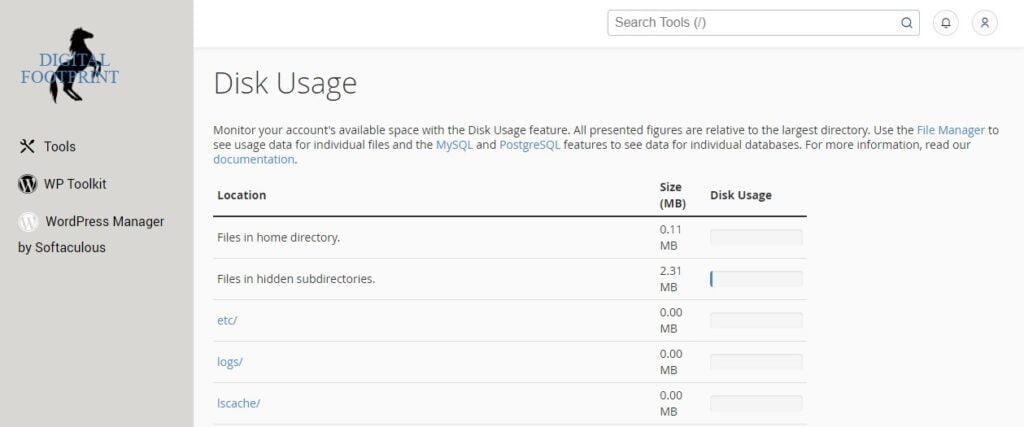
Disk Usage
Ever wondered where all your storage space is going? The Disk Usage interface provides information about your files, directories, and how much of your account’s disk space you’re using.
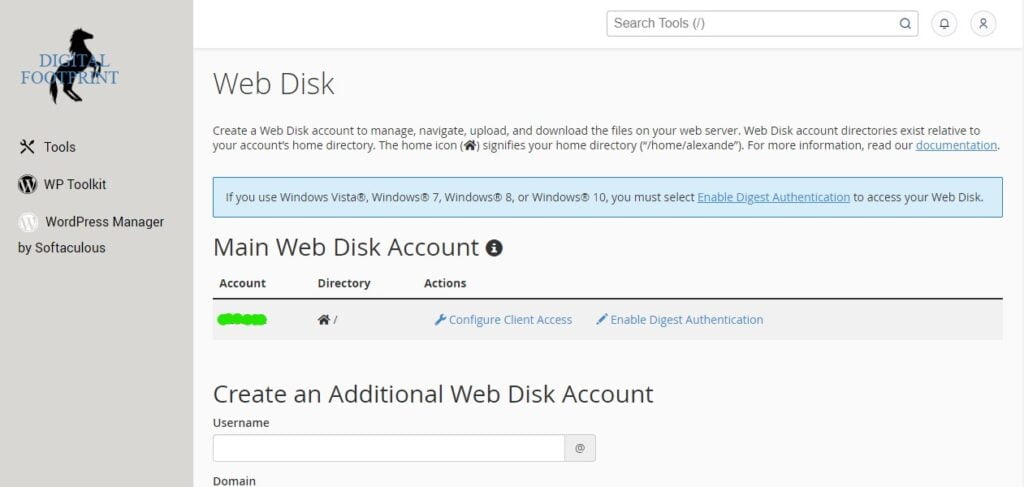
Web Disk
The Web Disk interface lets you manage and manipulate files on your server from various types of devices. It’s like having your server’s file system on your own device.
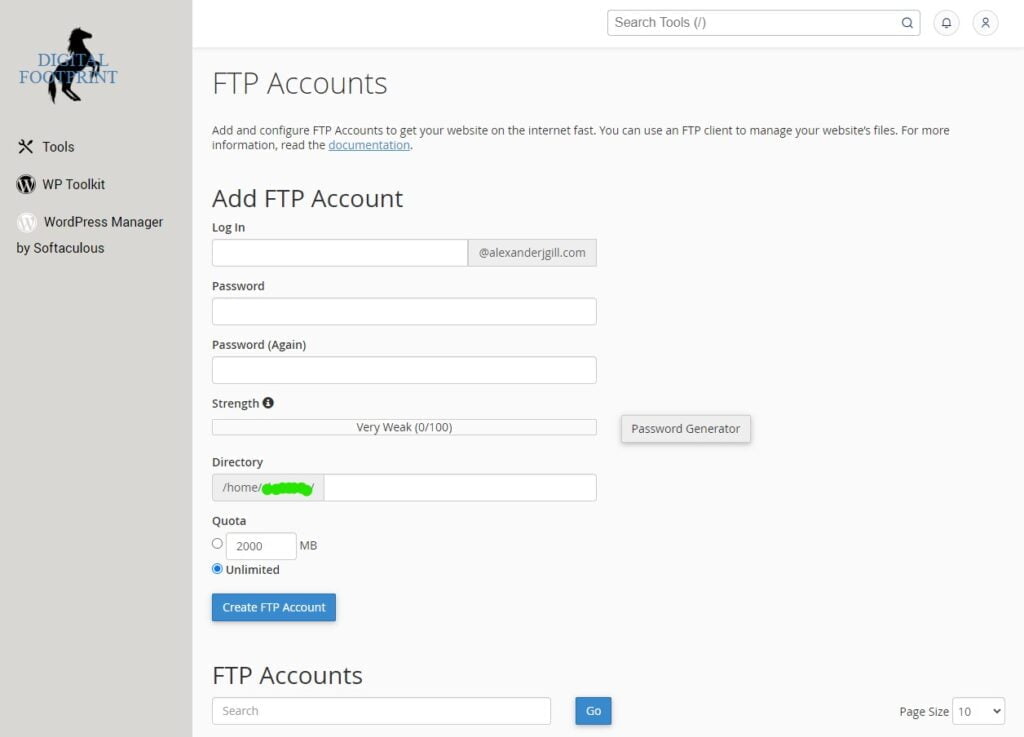
FTP Accounts
The FTP Accounts interface is where you can create and manage your website’s File Transfer Protocol (FTP) accounts. FTP allows you to transfer files between your local machine and your web server.
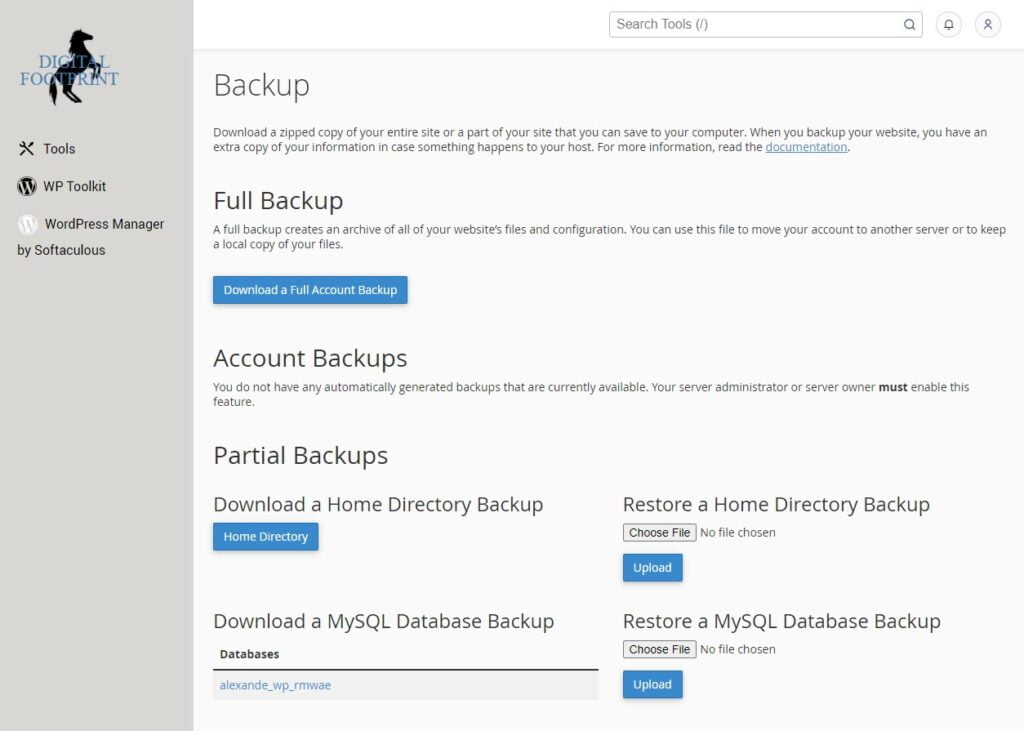
Backup
Want to safeguard your website data? The Backup feature allows you to download and store your entire site in a backup file. This can be useful for site migrations or to recover from a site failure.
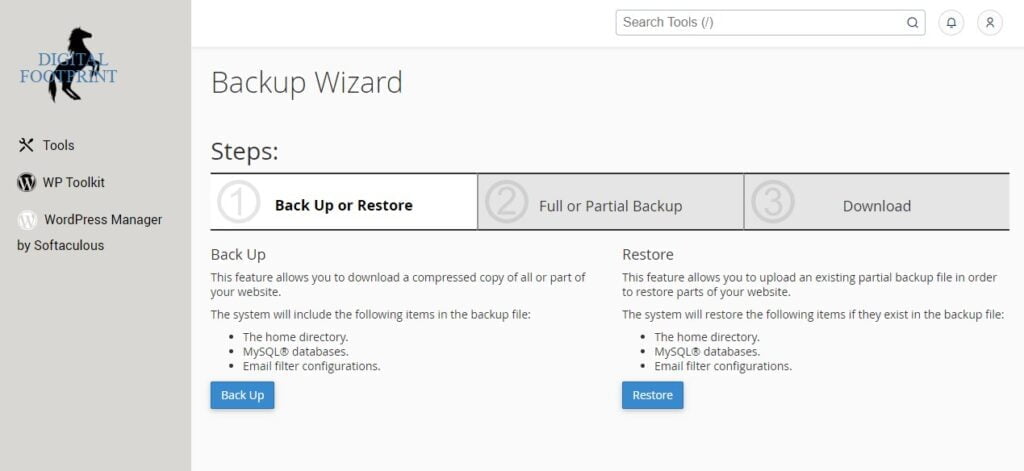
Backup Wizard
If you prefer a more guided process for creating and restoring backups, the Backup Wizard is your best friend. It allows you to back up all or part of your website, or to restore it from the most recent backup file.
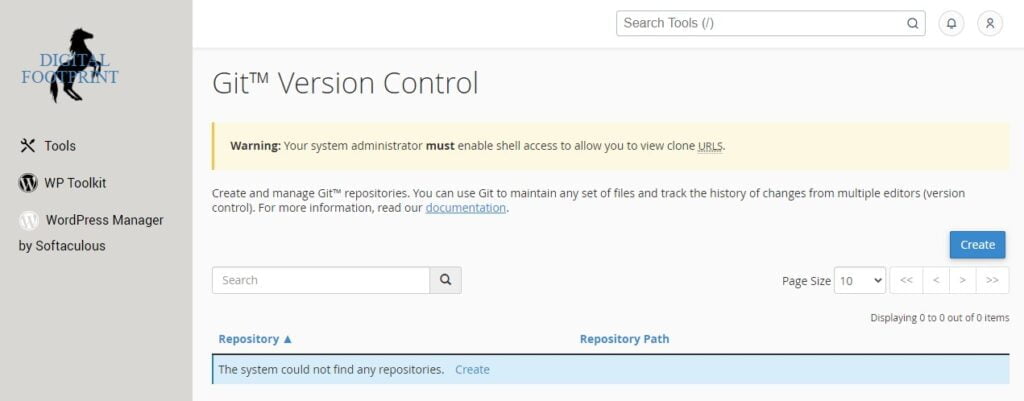
Git Version Control
The Git Version Control feature allows you to host Git repositories on your cPanel account. This can be beneficial if you want to use version control for your site’s files, especially if multiple people are working on the site.
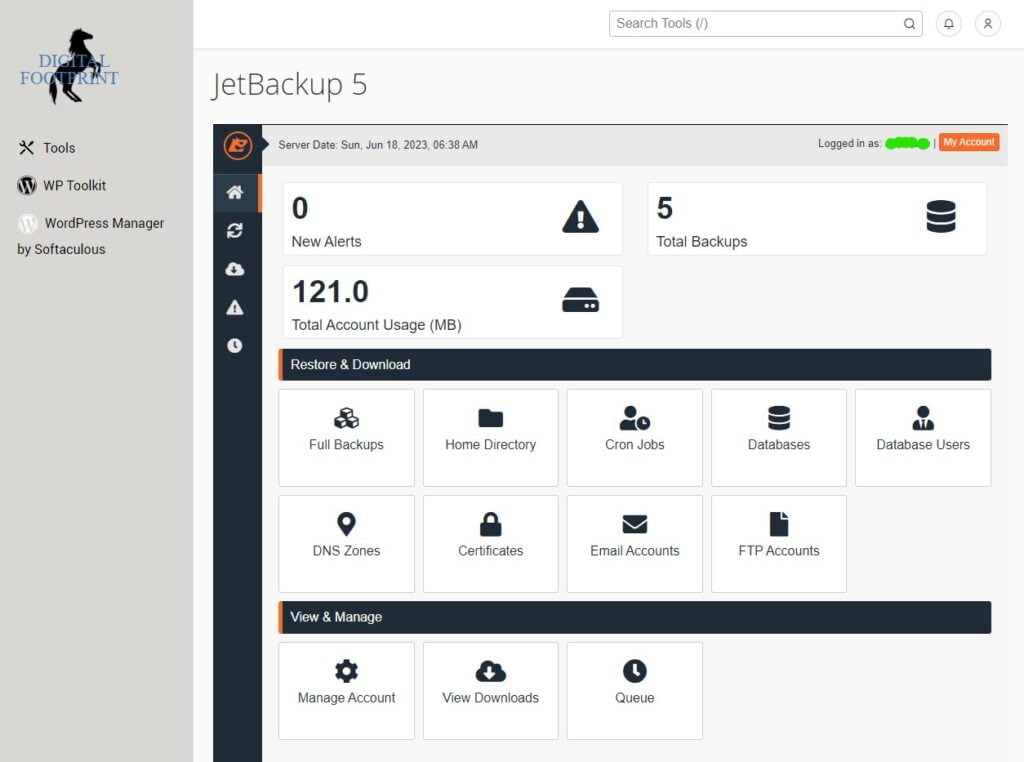
JetBackup 5
JetBackup 5 is a powerful backup interface that provides a more complex but flexible backup management system. It offers a dashboard with general statistics for your backups, different options for restoring from backups, and a “View & Manage” section for setting up notifications and viewing ongoing backup restorations.
Conclusion
The Files section in cPanel is filled with powerful features that can simplify and streamline the process of managing your website. As you become more comfortable with these tools, you’ll find that tasks like managing files, creating backups, and transferring files become much easier and more efficient.